Wow, how time flies! We may not necessarily be having fun all the time, but each day is a lesson of some kind!
The title of this post is exactly what I’ve been doing over the last few months. I’ve settled into the new role as the sysadmin and figured out where the bottlenecks are and where I was spending the most time and wasting the most time and tried to figure out how to fix that.
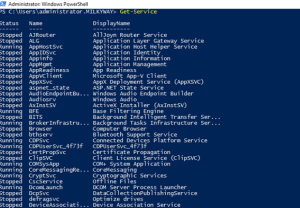
A lot of it actually involves PowerShell. Dang! Where has that been?! Haha I feel like PowerShell doesn’t get enough love or press outside of IT circles…it’s great!!
I’ve been doing a lot of experiments with it and also started working with Power Automate. They have both honestly changed the entire game! I cannot believe how much time I have saved by just learning a little bit of those two.
I’ve written PowerShell scripts to help me:
- Create (and remove) Active Directory Users
- Unlock AD users’ accounts
- Display AD users’ OUs when needed
- Find last password reset times (for MS365 cloud-only and on-prem AD)
- Set AD and MS365 users’ emails and regions
- (how did the previous admins overlook that in a multi-national company??)
- Install .exe packages for PC preps
- More! And experimenting with others while I’m at it!
Dang – I can’t believe I had never handled PowerShell before – I did not realize how powerful it was! PowerShell 7’s a bit weird, but it’s there, I guess.
Really liking Visual Studio Code, as well! That’s another new one!
I definitely can’t say I’m a programmer or anything, but it’s definitely a satisfying feeling when you FINALLY put in that final piece of info and run it and it FINALLY works! With me, it’s always a trial and error process because I’m just figuring it out as I go along. The coding classes / courses didn’t really work for me. Now if I could just get my hands on Python! Haha no need for it yet, but we’ll see!
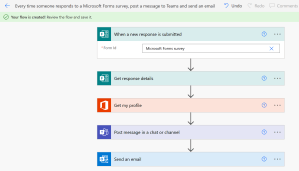
Microsoft Power Automate has been frustrating but rewarding to play with as well!
(not my flow haha just an example)
I can really see how automation and scripting has changed everything. I have always heard about it, but now that I am actually sitting in front of a computer and messing with it and seeing examples, it’s truly amazing what can be done!
Just an example — I’ve automated a password reset reminder system for our US-side operations. Password resets are probably the most annoying aspect of this job, so I was trying to think of how to avoid having to do them…expired passwords are completely avoidable and have to be done by me if the password expires. Ugh.
So….why not remind the users automatically?
Can I do that?
Done!
The company’s built-reminder wasn’t good enough, so I set up an email + Teams message system based on some PowerShell scripts I had written and some conditions.
Done!! Much better now!!
I’ve already heard from users that have seen the emails and changed their passwords. Definitely a positive change!!
The new inventory system I helped pilot and implement has been working out beautifully, we will be replacing a network device soon and implementing a new VPN solution, which will be some great experience to have.
Things are looking up!
Working now to write a YAML script for automating Linux machine preps and — speaking of Linux — where has that been my whole life??
I had zero familiarity with Linux before this job and now I’ve got 3 different Linux VMs on my personal PC because it’s so much fun to play around with! Ubuntu, Ubuntu Server, and Mint — really loving Mint as my daily driver when I’m not using my Macbook Pro. Great distribution!
I really love how you can really dig deep down into the heart of the system and see how the system works…it’s crazy how accessible everything is once you get some basic familiarity with the terminal!! You can change EVERYTHING and see how EVERYTHING works….man, that’s cool. And one thing I’ve never really been able to do with my Apple products.
But — most importantly — I want to finish up and finally get my CCNA after all this time! Network+ was a good certification to begin with, but it’s time to up my game and go for the CCNA.
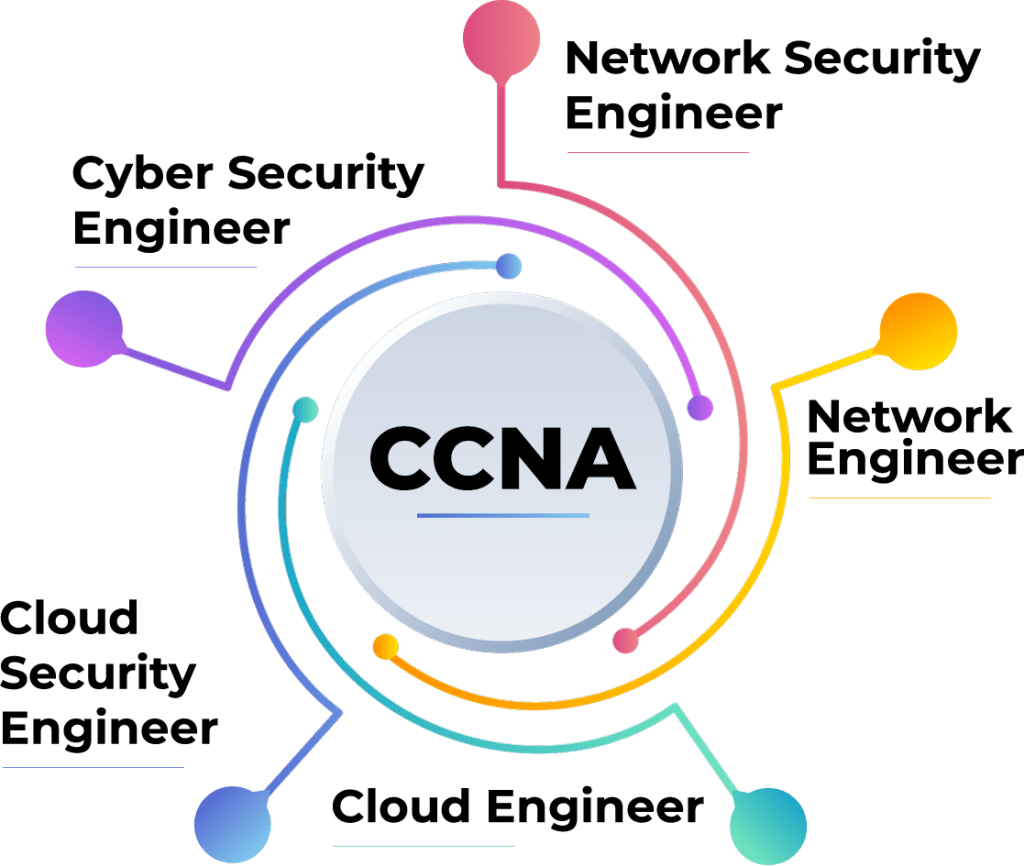
I was so busy for a while that I couldn’t even THINK of getting my CCNA…but now that I’m starting to figure out little ways to streamline and save time during the day, I can finally start learning the networking side of things again!
There are so many directions that an IT career can take a person, and all them require networking knowledge, so why not? All of these job roles are ones that I am extremely interested in pursuing one day, and it all looks to start with the CCNA.
I’ve got my list of CMDs for troubleshooting, my PowerShell scripts, my Power Automate flows, and my year’s experience at the company, and I’ve got to say, I’m pretty comfortable!
I like where things are going!
Talk to you all later!
 Home
Home 
Leave a comment