Hello, again! It’s been a while!
Since having a baby, WOW did everything else take a backseat for a while, but it’s nice to be back building things again.
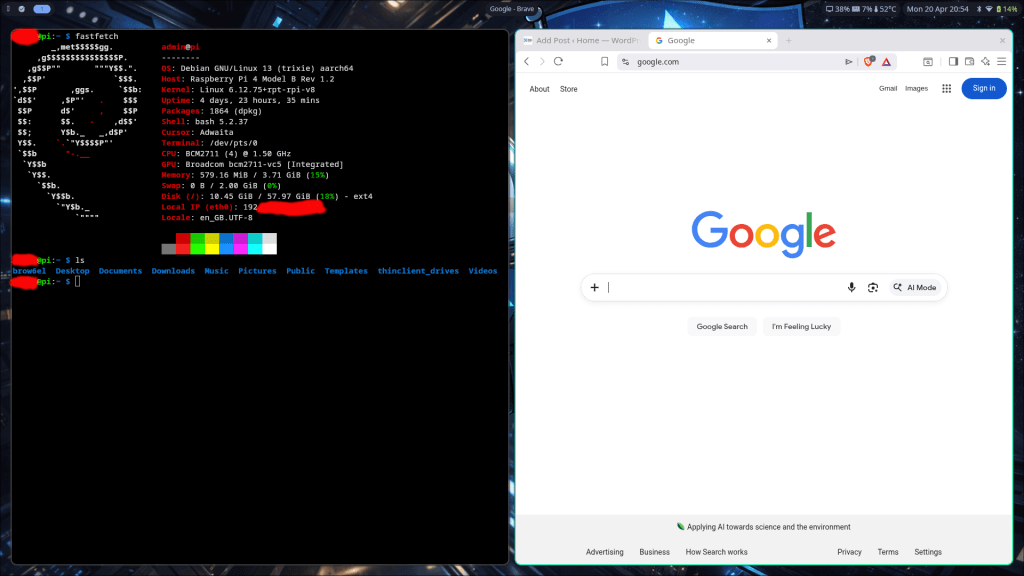
Got myself a Raspberry Pi and playing with it at home….I can honestly say I’m the the happiest when trying to build new things and trying to find ways to expand what I know, so this kind of thing is super fun.
What about TWO fastfetches? hahaha
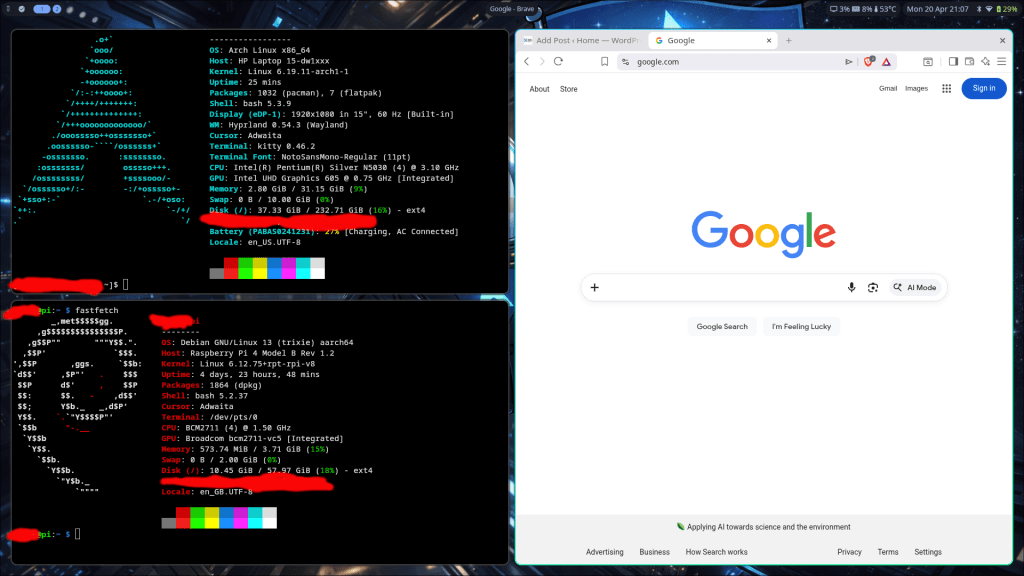
I’ve been having fun setting all this up!
- Arch Linux + Hyprland (Windows / Linux dual boot PC)
- Raspberry Pi
- SSH access to the Pi from all my other PCs and my phone. Who knew you could do that with a phone??
I had it set up nearly a year ago, but forgot the credentials and upgraded a memory card, so I figured — let’s start again!
I’m thinking of setting up pi-hole for ad blocking first, as I did that before and it worked pretty well, but I’m really excited to set up a home file server / NAS. That’s a new one!
With pi-hole, it’s pretty much just setting up a few configs, but with a NAS (network attached storage), it’s a bit different:
- New tool: Samba
- New tool: Jellyfin
- Drives with personal data
- Mixing media with files, equally shareable
- Tracking / troubleshooting latency and performance
Network-wide ad blocking + a home NAS? Sounds good!
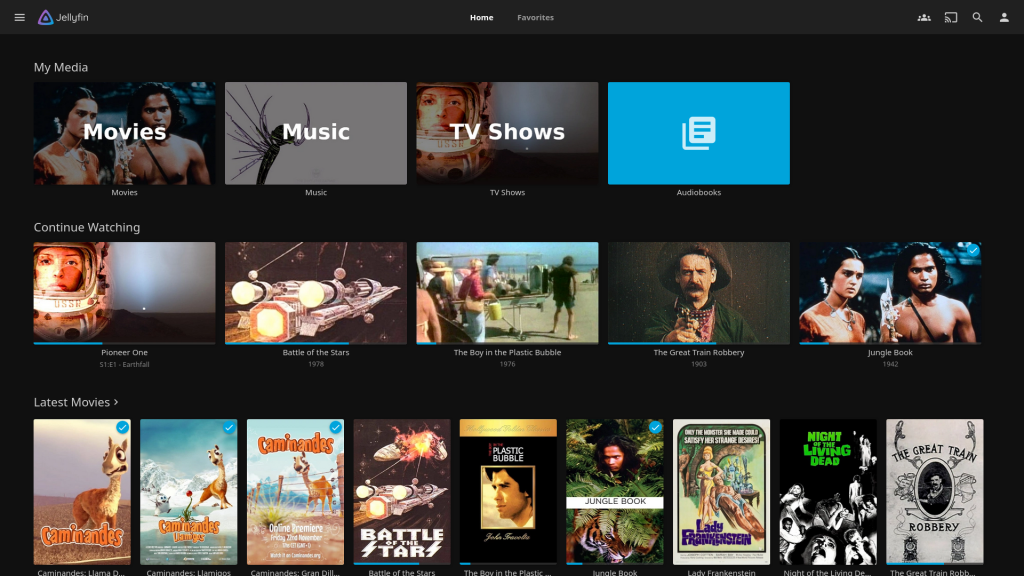
Can’t wait to try it out!
 Home
Home 
Leave a comment